Add Multiple Contacts to One Client in CloudBooks – New Feature
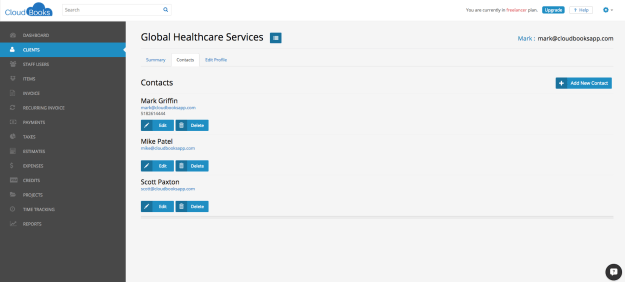
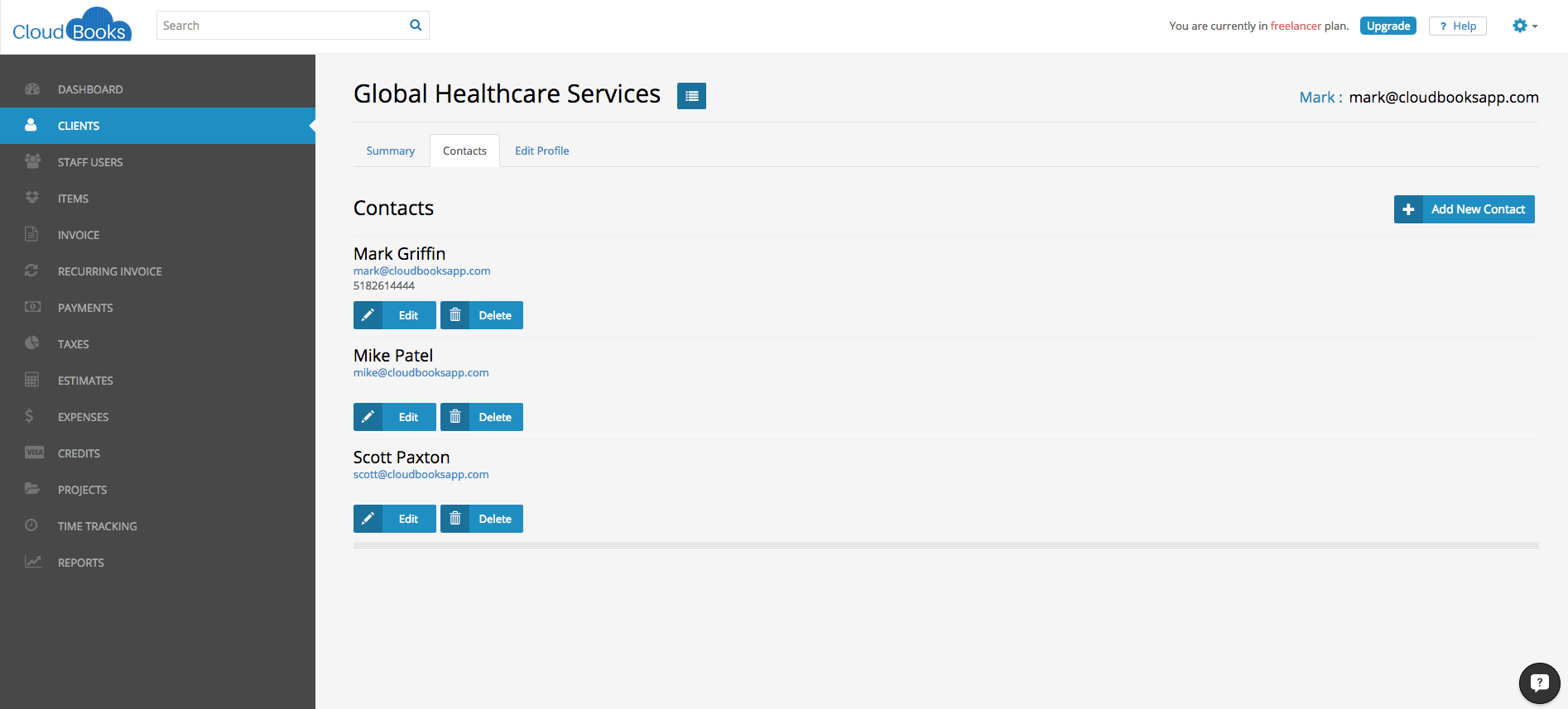
You can now add multiple contacts to one client. This is much requested feature:
Step by Step Instructions
Go to the “Clients” tab
You will be brought to a list of your Clients
Click on the client of your choice
Under the “Contacts” section there is a little blue (+) that says “Add new contact”
Click on that link
Enter your secondary contact’s information (email is required)
There is no limit to how many contacts you can add to a client
Click “Save” when you’re finished
Ready to streamline your invoicing?
Join 30,000+ businesses using CloudBooks to get paid faster.
Start Free TrialRelated Articles
How AI Is Changing Invoicing and Bookkeeping for Small Businesses
Small business owners spend an average of five hours a week on invoicing and bookkeeping. That is fi...
New Feature – Send Invoice to Multiple Contacts
Send Invoice to Multiple Contacts: We have enabled multiple clients invoice emailing feature: Now yo...
New Feature: Customer Ratings and Reviews
New Feature: Customer Ratings and Reviews: This feature will provide you the ability to get ratings ...