Automate Invoice Payment Reminders – New Feature
Automate Invoice Payment Reminders – New Feature:
Automate Payment Reminders now Live in CloudBooks
Your CloudBooks account can automatically ping customers to remind them they owe you money and even follow up again when they’re late paying.
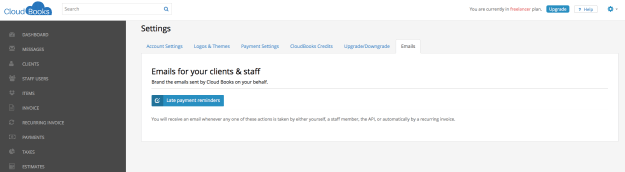
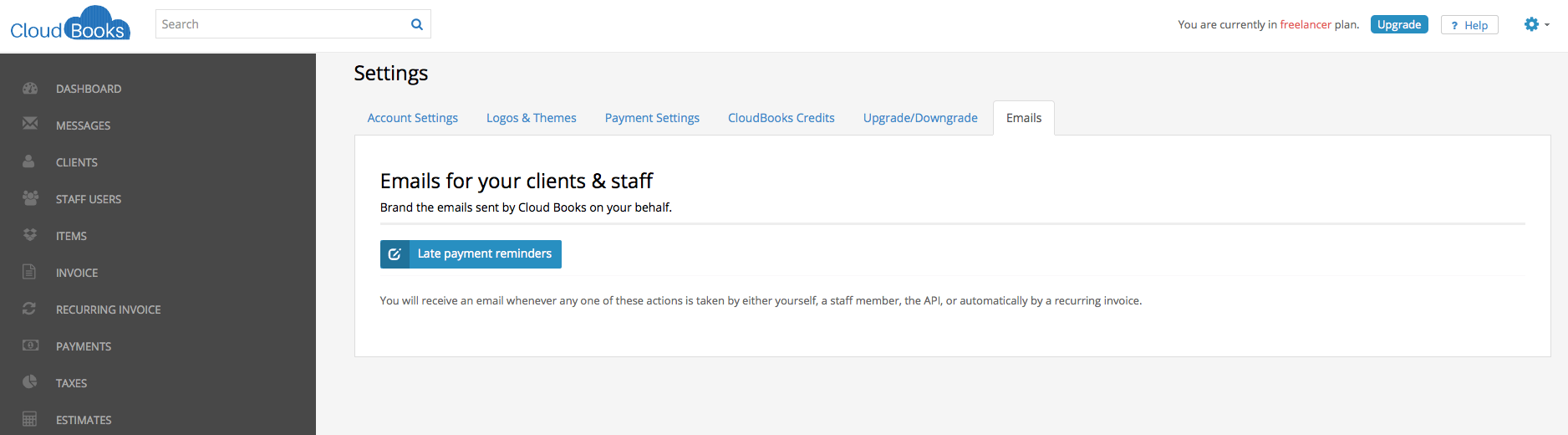
Hop into your Settings link in your CloudBooks account. Click on the Emails sub-navigation tab. Click Late Payment Reminders.
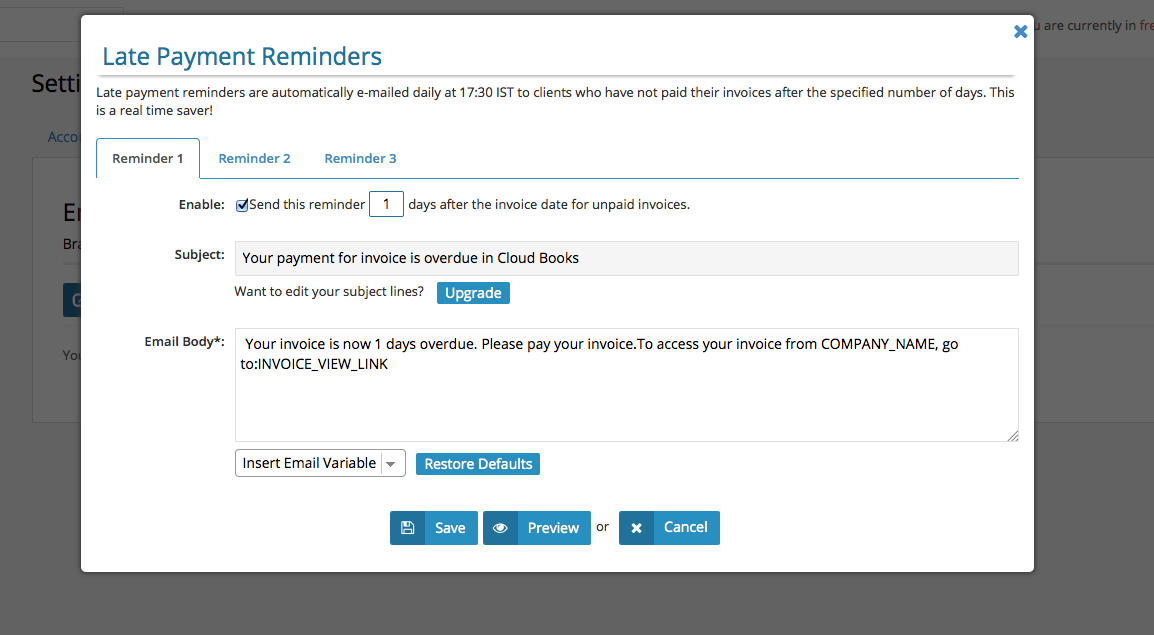
You can set up nagging emails to go out automatically at pre-defined times and use neat email “variables” to automatically plug things like the invoice amount or client name into the email template for you.
Play around with the options and the three different reminders you can set up. If you’re not sure how any of this works, just drop me a note suraj@cloudbooksapp.com. Set it, forget it: get paid!
Ready to streamline your invoicing?
Join 30,000+ businesses using CloudBooks to get paid faster.
Start Free TrialRelated Articles
How AI Is Changing Invoicing and Bookkeeping for Small Businesses
Small business owners spend an average of five hours a week on invoicing and bookkeeping. That is fi...
New Feature – Send Invoice to Multiple Contacts
Send Invoice to Multiple Contacts: We have enabled multiple clients invoice emailing feature: Now yo...
New Feature: Customer Ratings and Reviews
New Feature: Customer Ratings and Reviews: This feature will provide you the ability to get ratings ...